Airtable Source for
YOOtheme Pro

Feed YOOtheme Pro layouts with data from Airtable apps.

Source Manager

Create a source instance and map it to any element as a true core source. Edit, duplicate, or delete the instances within the Essentials Source Manager.

Auth Manager

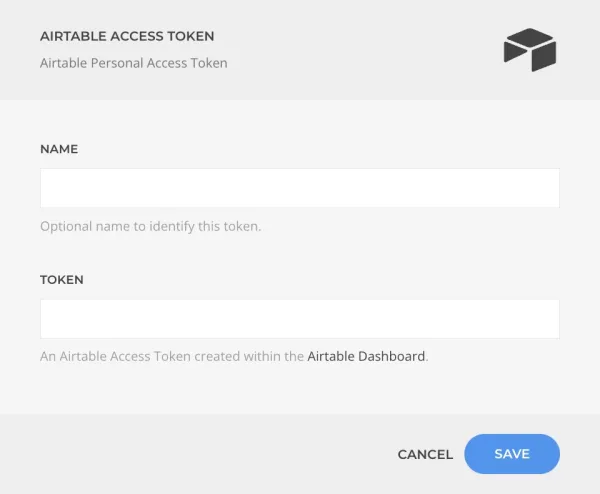
Authenticate and manage access permissions through our Auth App or input the secrets manually from your own App for additional security.

What is a Content Source

A YOOtheme Pro content source allows you to load dynamic content into your layouts. Whenever that content changes, it will be automatically updated across your entire website.

The Source Configuration

Create as many source instances as needed with different configurations each.

The specified name will be used during mapping to identify this particular source instance.

The Auth Manager

Integrated into the workflow the Auth Manager guides you through the permission granting process.

The access token is securely encrypted.

Did You Know...

...that even though the Sources Manager is part of Essentials, anyone can create their own Source based on it?

Learn How to Create a Source

The Source Mapping

Map the source data to any element with offset, limit, and caching.

Airtable Source is part of Sources, an Essential Addon for YOOtheme Pro
and get access to all Essentials